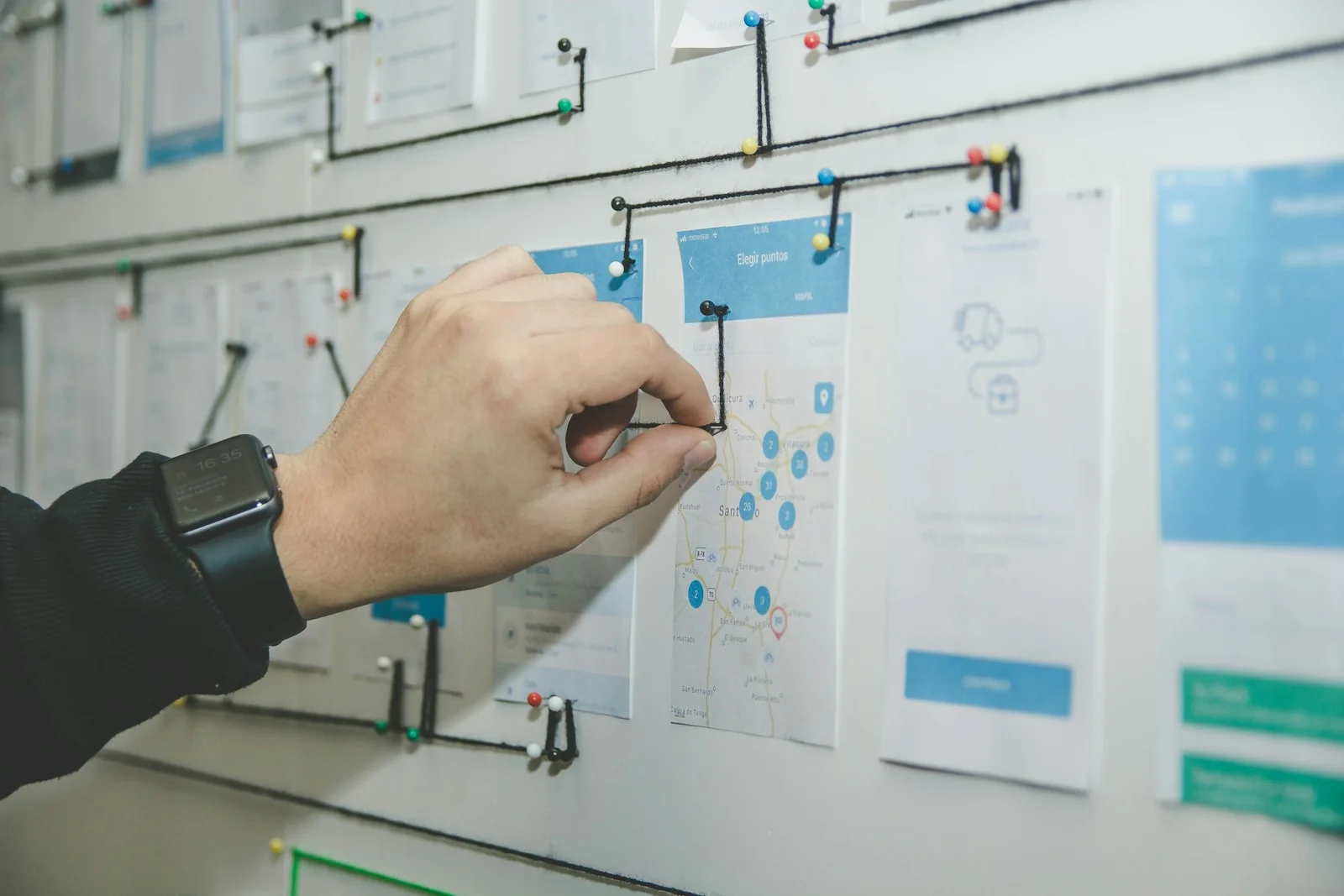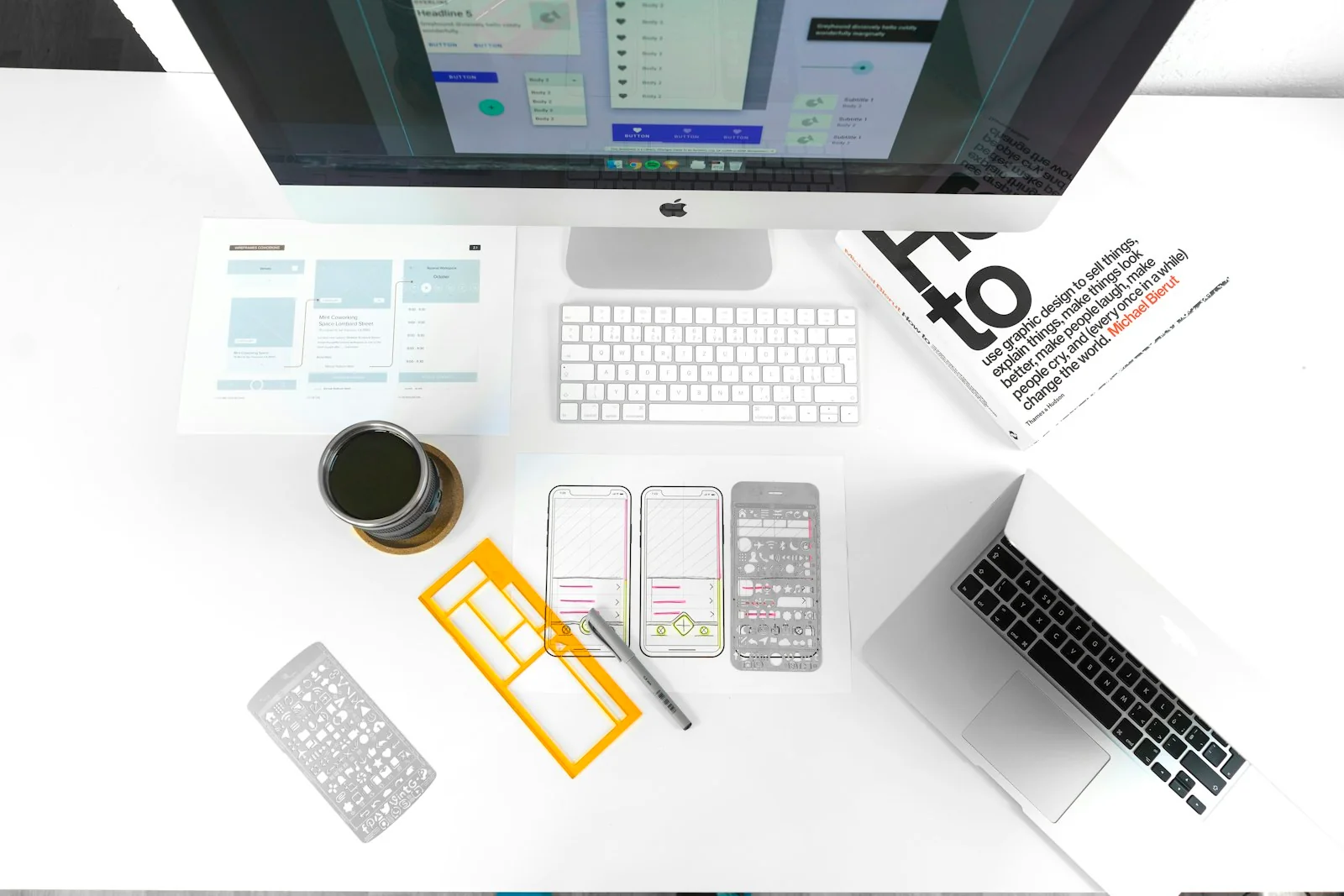
Expressive websites are enjoying another moment: oversized typography, saturated color, layered imagery, and movement that makes a page feel more like a campaign than a document. For a brand that wants to be noticed, the attraction is understandable. A distinctive presentation can communicate energy before a visitor reads the first paragraph. But attention is not the same as understanding, and a memorable entrance is not a successful experience if people cannot find the next step.
The useful challenge is not to choose between personality and accessibility. It is to decide which layers are allowed to be expressive and which must remain dependable. This guide proposes a review process for creative teams that want a visually ambitious site without treating usability as a correction added at the end. It draws on selected W3C guidance, while keeping the practical recommendations separate from any claim of formal conformance.
Define the job of the page before its visual intensity
A portfolio homepage, a course landing page, and a support article have different jobs. The portfolio may introduce a point of view. The course page needs to explain an offer and an action. The support article should help someone resolve a specific problem. A single high-energy treatment applied to all three can flatten those differences and make the site harder to use, even if every page follows the same visual theme.
Write the primary task in plain language and place it beside the design. Then list the information someone needs to complete that task. This gives the team a practical way to evaluate an expressive choice. A large moving image may be appropriate when it establishes context, but inappropriate when it pushes a crucial instruction out of view. The task does not dictate one style. It establishes what the style must not prevent the visitor from doing.
Keep reading order separate from visual arrangement
A layered composition can have a clear underlying sequence. Decide what should be read first, second, and third before arranging elements into an expressive layout. A visitor encountering the content through a narrow screen, keyboard navigation, or assistive technology should not have to infer a different story from the one presented visually. The relationship between the headline, explanation, evidence, and action should remain coherent when decorative positioning is removed.
Test this by reading the page as a simple outline. If the order becomes confusing without the overlapping images and dramatic spacing, revise the structure before adding more styling. This is especially useful for card grids and editorial layouts where the visual design suggests relationships that the markup does not express. A clearly structured page gives the design more freedom because its meaning does not depend on one exact arrangement at one exact viewport size.
Spend contrast where people need to read and act
Color can create a strong mood while leaving functional text calm and clear. Do not assume that a vivid palette automatically has adequate contrast. Some highly saturated combinations are difficult to read, while a quieter combination can be much more effective. Check the actual text and background together, including overlays on photography. A headline that passes on one part of an image may become unreadable when the crop changes on a phone.
The WCAG 2.2 recommendations include contrast criteria with different thresholds for ordinary and large text. Their commonly applicable minimum ratios are 4.5:1 and 3:1 respectively, subject to the criteria's definitions and exceptions. A contrast calculation is one check, not a complete accessibility assessment. Use it alongside an inspection of text size, background variation, and the actual conditions in which the content must be understood.
Give motion a role and an exit
Motion should have a reason beyond proving the site can animate. It can connect two states, show a relationship, or help someone understand a change. When every element moves on arrival, the effect can compete with the content instead. Before approving an animation, describe what information it adds. If the answer is only that the page feels more premium, consider whether a still composition could express the same quality more comfortably.
W3C's C39 technique describes using the reduced-motion media query to respect a user's motion preference. In practical review, inspect both the animated and reduced-motion versions. Do not simply remove the movement and leave content hidden or controls without feedback. The quieter version should be a complete experience, not a damaged copy. That makes reduced motion part of the design rather than an afterthought maintained only by a technical exception.
Make controls recognizable without decoration
An expressive site can use unusual shapes, but visitors still need to know what is interactive. A word that looks like ordinary body text should not unexpectedly become the only way to continue. A decorative symbol should not be the sole explanation of a control. Give actions clear labels and visible states. Consider how a control looks when focused, hovered, activated, unavailable, or shown without a pointer device.
Review a page using only a keyboard. Can you reach the menu, understand where focus is, open and close the navigation, and activate the important links? This practical test does not cover every accessibility need, but it reveals problems that a visual review often misses. It is particularly valuable on experimental sites where familiar controls have been replaced with custom interactions. Personality should not require a visitor to learn an undocumented interaction language before finding the work.
Let dense information have a quieter room
Not every section needs the same level of visual intensity. A large editorial image can introduce a subject, while a comparison table or detailed explanation uses a simpler content panel. This contrast creates rhythm and helps readers identify where to explore and where to concentrate. It also prevents the site's most expressive devices from losing their effect through constant repetition. Quiet space is part of the brand's composition, not evidence that the designer ran out of ideas.
Build a content mode for long-form material. Give paragraphs a comfortable measure, distinguish headings clearly, and leave enough space between sections for a reader to pause. Related cards can reintroduce imagery after the main explanation. A long article should not feel like a continuous obstacle course of animated interruptions. The reader's willingness to continue depends on the quality of the argument and the comfort of reading it, not only on the novelty of the first screen.
Test the edges of the content system
Use awkward content deliberately: a long title, a category name that wraps, a missing optional image, and a card with a substantially longer summary. These cases reveal whether the layout is a system or a single carefully staged composition. A page that only works with ideal text will break as soon as the site begins to publish regularly. Fixing the structure early is less disruptive than making emergency exceptions for every new article.
Inspect the site at a small viewport and with enlarged text. Look for clipped headings, overlapping controls, and horizontal scrolling that hides essential information. A decorative layer can often be simplified or repositioned without changing the identity of the page. Keep those adaptations intentional. The mobile version should not merely squeeze a desktop art direction into a narrower space; it should express the same priorities using an arrangement that fits the reader's context.
Include people in the review, not just tools
Automated checks can find certain failures quickly, but they cannot tell the whole story of using a page. A technically valid label may still be confusing. A consistent focus indicator may still appear in an unexpected sequence. When possible, involve people with different access needs and give them realistic tasks. Ask what happened, where they became uncertain, and what information was missing rather than asking only whether they liked the design.
Be accurate about what was tested. A short internal review is not a comprehensive accessibility audit, and one person's experience does not represent every disabled user. Record the scope, the conditions, and the unresolved questions. This makes the next round of work easier to plan and avoids presenting a partial check as a universal guarantee. The aim is a more informed design process, not a badge that closes the conversation before the difficult questions have been explored.
Decide what to simplify before launch
Create a short list of nonessential effects that can be removed without harming the content. If performance, legibility, or interaction problems appear late in production, that list gives the team a deliberate fallback. It is better to launch a clear page with fewer effects than to keep every visual flourish while making the main task unreliable. The fallback should preserve the brand's typography, palette, image treatment, and editorial voice so the site still feels considered.
Also document who can approve future exceptions. A successful launch does not prevent later content from introducing a low-contrast graphic, an unlabelled control, or a motion-heavy embed. Give editors a small publishing checklist and a way to request help. An expressive website stays usable through ordinary maintenance, not just through the care of its original designer. That is why the operational part of accessibility belongs in the same conversation as the creative direction.
Make expression serve the person visiting
The most persuasive maximalist work has priorities. It can be loud in one place and restrained in another, surprising in its imagery and dependable in its controls. A visitor should leave with an understanding of the message, not merely a memory that many things moved. Review the site in layers: task, structure, reading, interaction, and expression. When a layer fails, improve that layer rather than assuming the whole visual ambition must be abandoned.
Personality becomes more durable when it works for more people in more situations. Keep the essential path clear, make the expressive choices intentional, and test the result beyond the presentation screen. Those habits allow a website to feel alive without asking the reader to tolerate unnecessary difficulty as the price of admission. The goal is a brand experience people can actually use, including the people who encounter it differently from the team that created it.